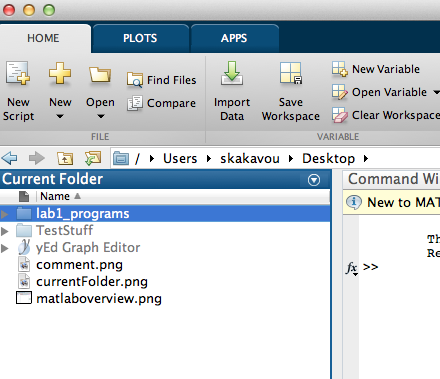
CS112: Lab1 :: Intro to MATLAB ::: MATLAB current folder (directory)
"Current Folder" is where MATLAB reads files from and writes them to.
It is important that you have it set right in every working session.
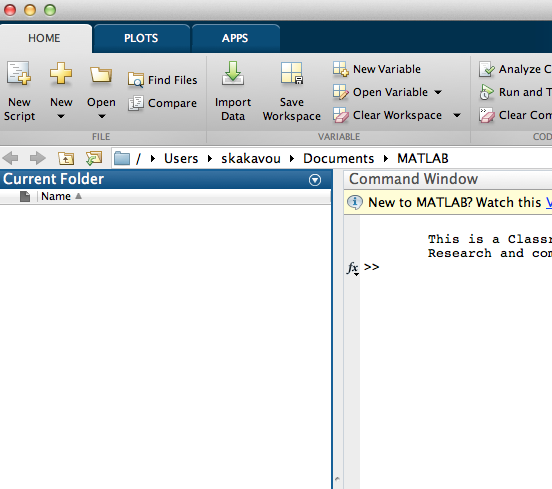
- To see what your Current Folder is at any point, look at the line above the
"Current Folder" window. In the picture below, the "Current Folder" is
Users/skakavou/Documents/MATLAB
You probably want to change this.
- To change your Current Folder click on the icons before it, or on the arrays in it.
- Navigate
to your Desktop and then into your lab1_programs folder.